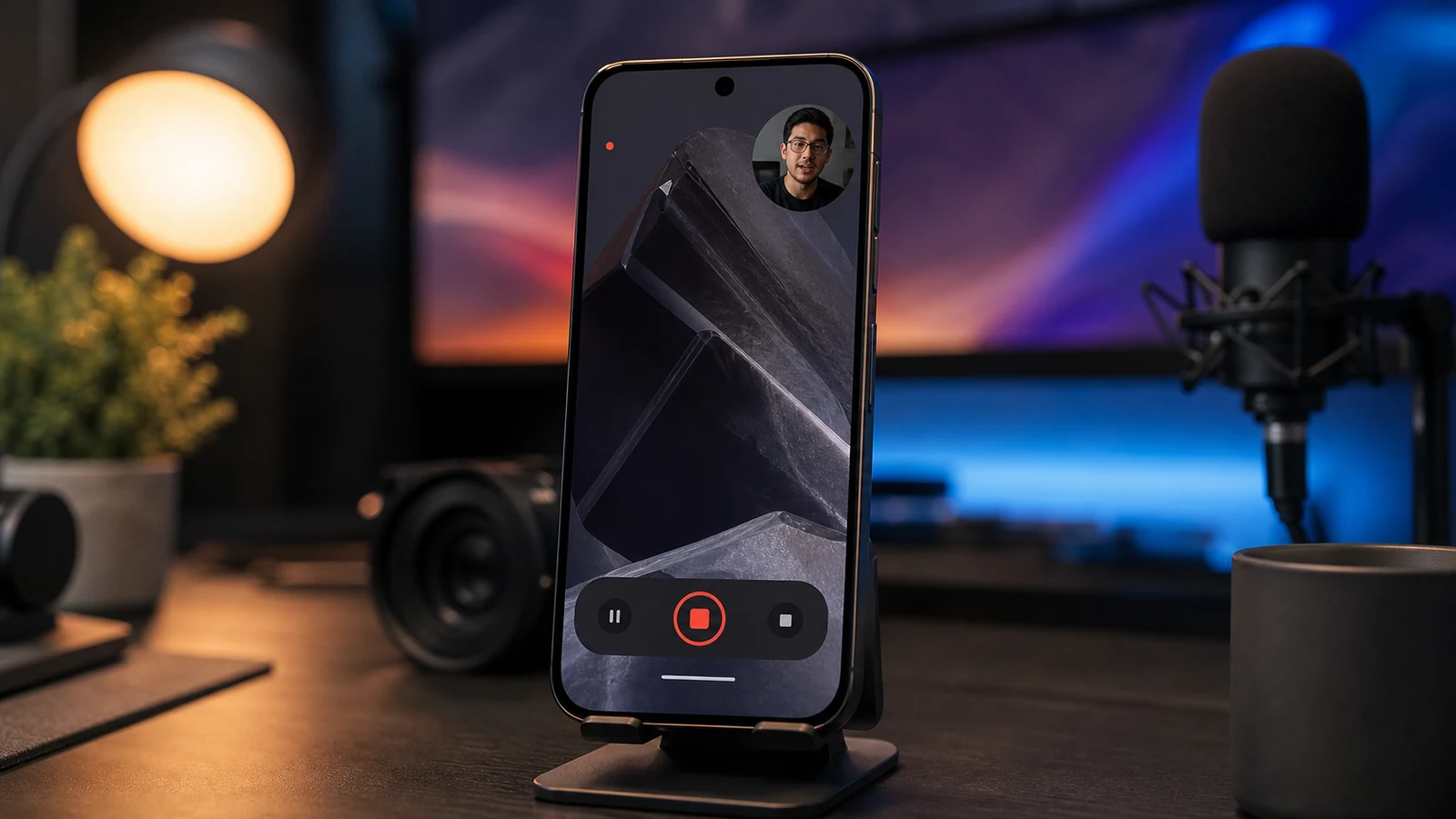
Android 17's reaction video feature sounds minor, but it shows where phone software is going. Screen recording used to be a support tool or a way to capture bugs. Now it is part of everyday communication. People record game clips, app walkthroughs, shopping advice, software demos, and short reactions for friends or social platforms. Adding an easier face-camera layer to screen recording turns a plain utility into a creator tool that does not require a separate app.
That matters for Pixel because Google has often used small system features to make Android feel more helpful. A reaction recorder would be useful for teachers, reviewers, gamers, developers, and anyone explaining a screen action while showing their face. It also keeps the workflow private and simple. Users do not have to hand screen access to a random third-party recorder, and they do not have to edit two videos together afterward. The phone can capture context and expression in one pass.
The privacy details will be important. Any tool that records the screen, microphone, and camera at the same time has to make permissions obvious. Android already shows recording indicators, but a reaction feature should make it clear when the selfie camera is active, where the overlay appears, and how quickly recording can be stopped. If Google gets those controls right, the feature could feel natural rather than invasive.
The beta behavior was spotted by Android Police, which described the newest Android 17 build as making reaction videos easier to record. This is not the kind of feature that sells a phone by itself, but it adds to the Pixel identity as a device that handles common workflows with less fuss. The next thing to watch is whether Google keeps the feature Pixel-only at first or makes it part of broader Android. If it lands cleanly, many people who never install a video editor may suddenly have a better way to explain what they are seeing on screen.
The feature could also help support teams and app developers. A user who can record a bug with their face and voice explaining the steps gives better context than a silent screen capture. Teachers can explain homework apps, parents can guide settings changes, and reviewers can show a live reaction to new software without building a separate recording setup. These are ordinary use cases, but they are exactly the kind of small workflows that make built-in tools valuable.
Google should still keep editing simple. A reaction video recorder becomes much more useful if the user can trim the start and end, move the face bubble, mute the microphone, or hide sensitive notifications before sharing. The feature does not need to become a full editor. It only needs enough control to prevent accidental oversharing. That balance would make the tool feel polished instead of experimental.
This also fits the way younger users already communicate. A short screen recording with a face bubble can explain an app, a bug, or a joke faster than a typed message, especially when the visual context matters.