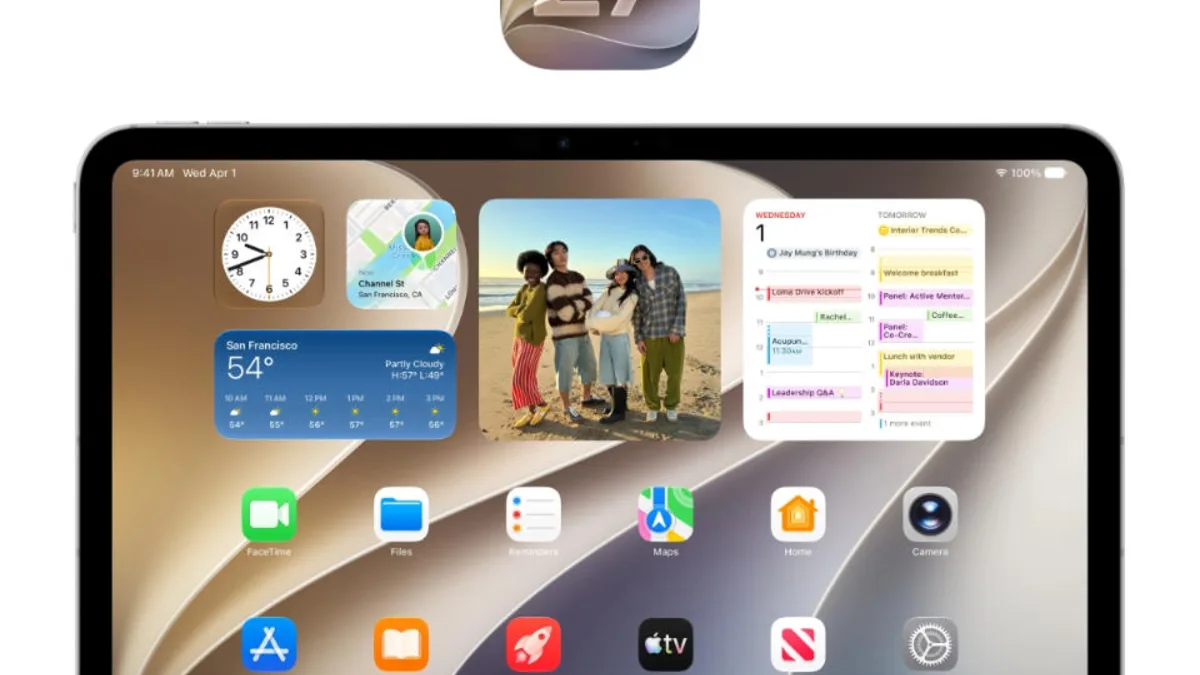
iPadOS 27 is being watched for a familiar reason: Apple still has to prove that the iPad can be more than excellent hardware with uneven software ambition. The first developer beta details suggest Apple is not trying to solve that question with one dramatic switch. Instead, it appears to be tuning the small pieces that shape daily tablet work.
That approach makes sense. The iPad's problem has rarely been raw capability. The best models have strong chips, bright displays, excellent pens, solid keyboards, and enough battery life for serious work. The frustration comes when windowing, file handling, multitasking, external display behavior, or app workflows interrupt what should be a fluid tablet-computer experience.
SSPAI highlighted notable changes in the first iPadOS 27 developer beta, including Liquid Glass transparency customization and a dozen smaller details worth watching. The report is useful because iPad progress often appears in these details before it becomes a clear marketing story.
Apple has to walk a narrow line. If it makes iPadOS too Mac-like, the tablet loses some of its directness. If it keeps the system too simple, the iPad Pro feels underused. The best iPadOS update would respect touch while making multi-step work less awkward. That means better windows, better file movement, better keyboard behavior, and fewer moments where users wish they had opened a Mac instead.
The issue is connected to our coverage of Apple's iPad Air M4 release and storage choices. Apple sells iPads across a wide price range, but software has to justify the upper end. A powerful tablet needs workflows that make power visible in normal work, not only in benchmarks.
Developer betas are also important because they shape app behavior early. If Apple changes layout rules, multitasking APIs, or visual conventions, developers need time to adapt. The iPad succeeds when apps feel designed for a large touch display rather than stretched from iPhone or compromised from Mac. Beta detail coverage helps show whether Apple is giving developers better tools.
The Liquid Glass customization angle is more than decoration. Interface transparency and visual layering can look elegant, but they can also hurt readability. Giving users control suggests Apple knows the new design language needs flexibility. On a tablet, where people may read, draw, edit, and multitask for hours, visual comfort is not optional.
The first iPadOS 27 beta will not settle the iPad's identity debate. It does show Apple continuing the slower work of making the platform less frustrating. That may be less exciting than a new product category, but for iPad owners it is exactly the work that matters.
The next beta releases will show whether Apple is merely polishing or preparing bigger workflow changes. Power users will watch for file improvements, external display behavior, Stage Manager refinements, and better keyboard shortcuts. Casual users will notice whether the tablet feels less confusing. Apple has to satisfy both groups because the iPad now spans classroom note-taking, family entertainment, creative work, and professional travel setups.
The iPad also has to keep its accessibility strengths while becoming more capable. Any workflow upgrade should remain touch-friendly, readable, and predictable for users who rely on the tablet because it is simpler than a laptop.