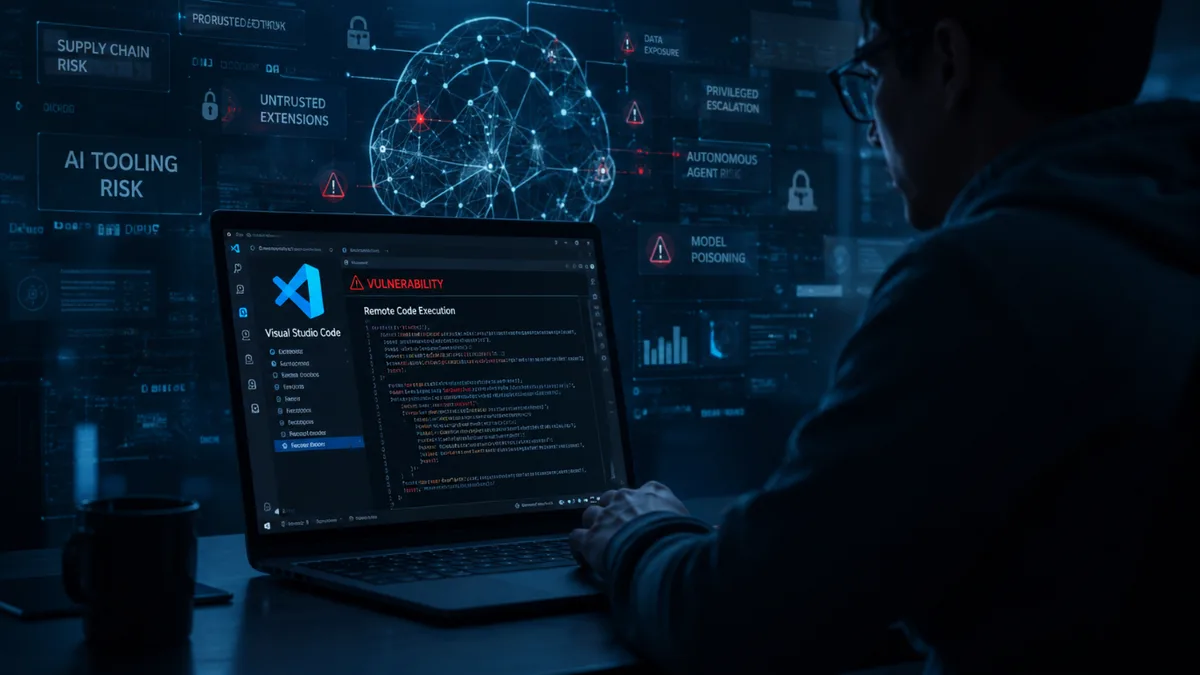
The Visual Studio Code AI tooling risk story is a reminder that developer convenience can quietly become developer exposure. AI coding assistants are no longer simple autocomplete boxes. They can inspect repositories, call tools, read environment context, interact with terminals, and connect to services through protocols such as MCP. That makes them useful, but it also means a weakness in the tool chain can reach further than a normal editor bug.
Modern development environments are full of secrets and delegated power. API keys, cloud credentials, private source code, package tokens, internal documentation, and deployment scripts often sit close to the editor. When AI agents are allowed to operate in that space, the security model has to be tighter than a friendly chat interface. The assistant needs permissions, logging, and limits that match the value of what it can touch.
We have already seen the same pattern in broader enterprise software. Our coverage of a critical Splunk Enterprise flaw showed that tools built for visibility and control become high-value targets because they sit near sensitive systems. AI developer tools inherit that same problem while adding model behavior and plugin ecosystems.
Cybersecurity Insiders reported on what a Visual Studio Code vulnerability reveals about AI tooling risk, with particular attention to how MCP has become a fast-growing way to extend assistants. The important point is not that one editor is uniquely unsafe. It is that AI toolchains are becoming infrastructure.
That change should push teams toward practical controls. Developers need to know which MCP servers are installed, what permissions they have, what data they can read, and which commands they can run. Security teams need inventories, not just policies. If every developer can connect a new local agent to internal systems without review, the attack surface becomes invisible until something breaks.
There is also a usability balance. If controls are too heavy, developers will bypass them. If controls are absent, organizations are trusting a fast-moving plugin ecosystem with production secrets. The right approach is usually layered: approved connectors for common tasks, read-only defaults, explicit write permissions, secret redaction, and logs that are useful during incident response.
AI coding tools will keep spreading because they save time. The question is whether teams adopt them like toys or like infrastructure. The VS Code risk discussion points toward the second answer. MCP and similar protocols can be valuable, but only if developers and security teams treat tool access as a first-class engineering decision rather than a checkbox in an extension marketplace.
One useful rule is to treat AI tooling like a junior developer with speed but no judgment. It should not receive permanent broad credentials simply because it can automate a task. Temporary tokens, scoped permissions, and human approval for dangerous actions are boring controls, but boring controls are exactly what developer environments need. The teams that build these habits early will move faster later, because they will not have to pause every AI rollout after the first serious incident.
The practical question for every team is simple: could this assistant reach something a new contractor would not be allowed to touch? If the answer is yes, the deployment needs another review before it becomes normal workflow.