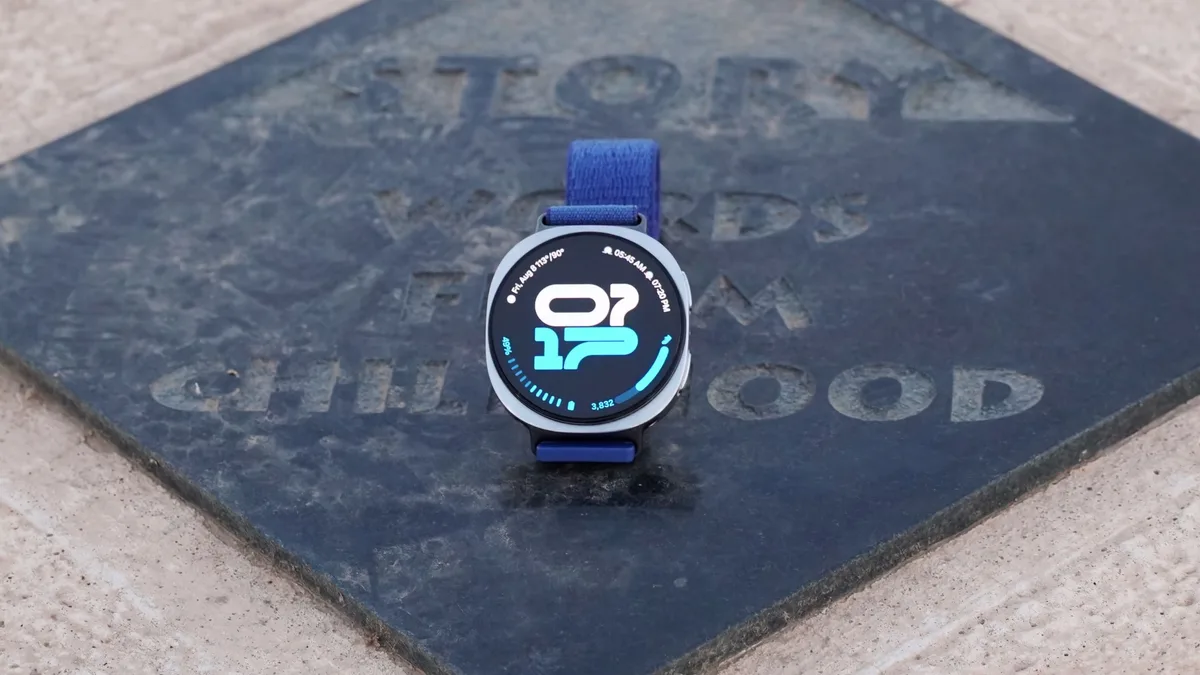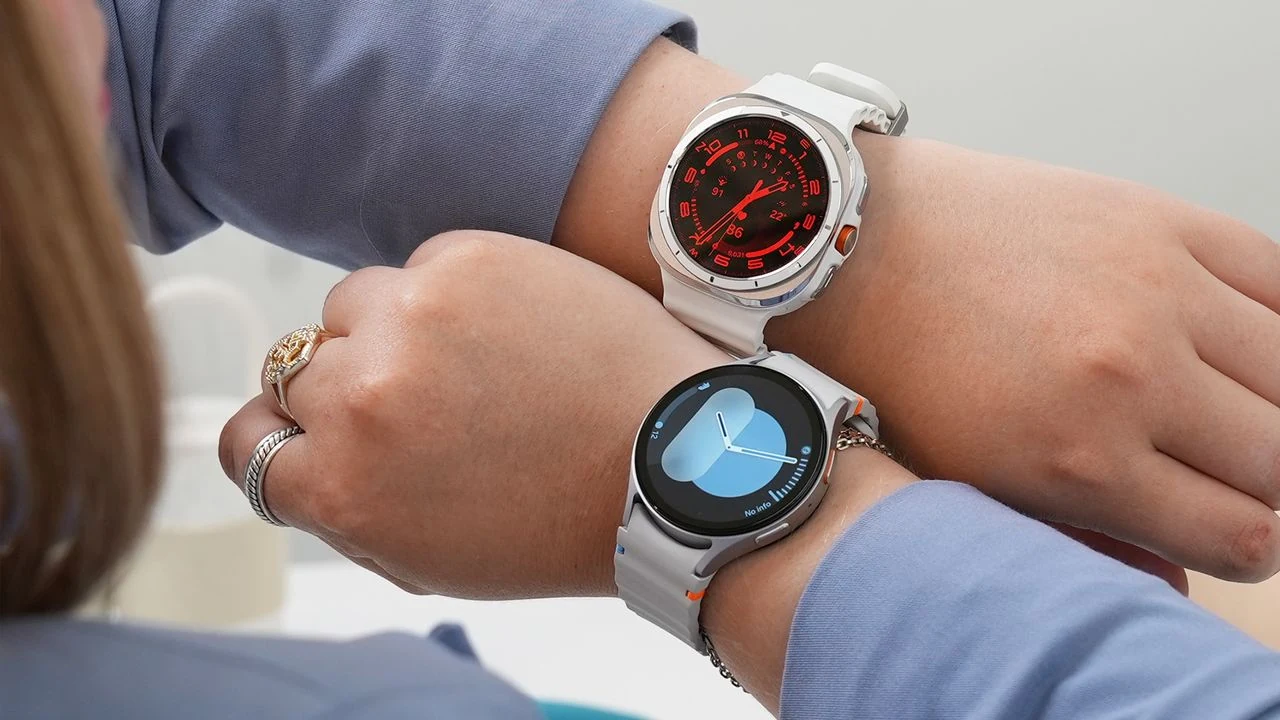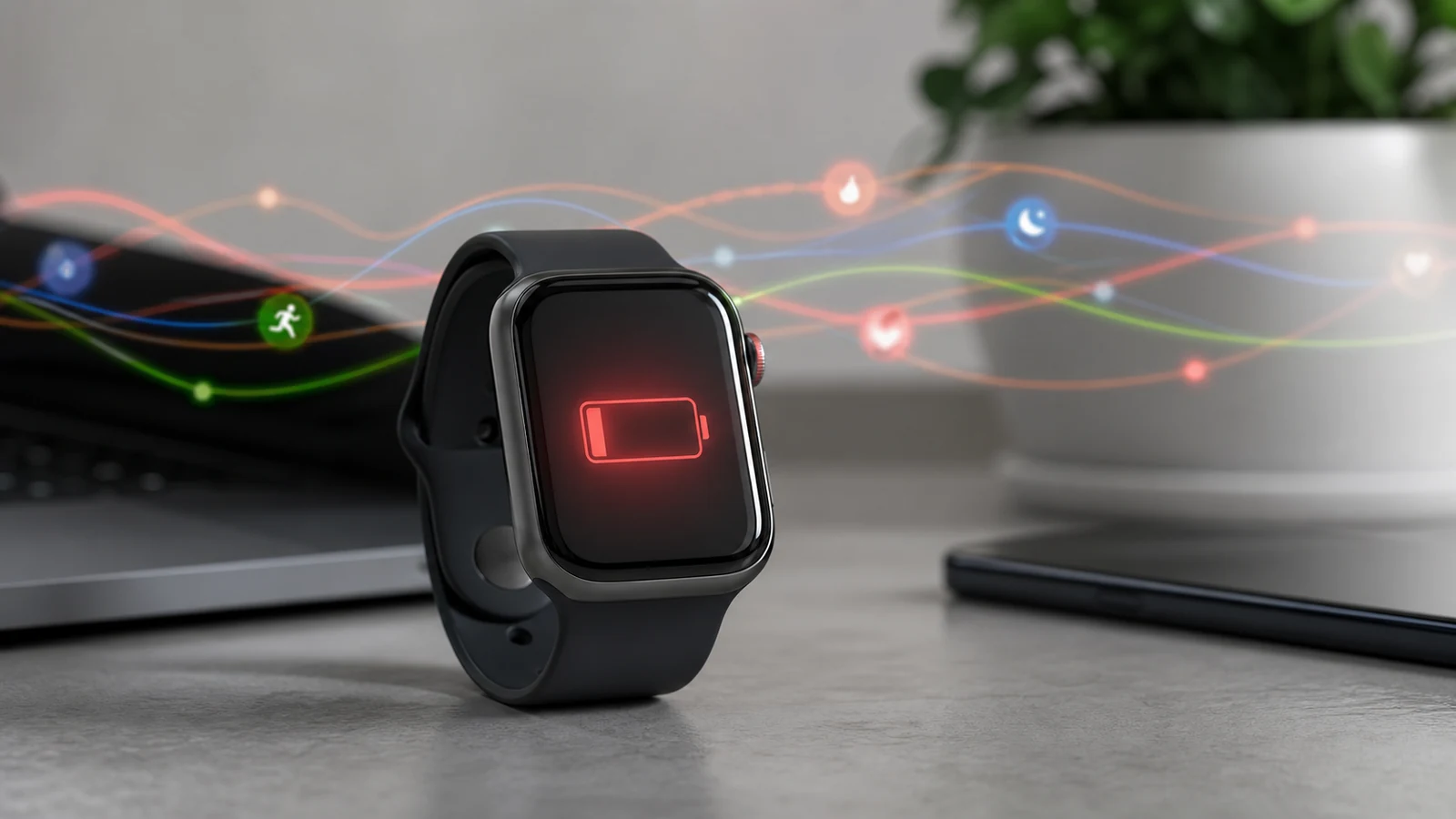
Galaxy Watch battery complaints are not a small annoyance when the watch is meant to be worn through work, workouts, and sleep. A phone can usually survive a rough software day because it can be charged at a desk or in a car. A watch has less room for error. If a background service eats power quickly, the device stops feeling like a health companion and starts feeling like another thing that needs maintenance.
The current issue is tied to Google Play Services, which makes it more frustrating than a normal app bug. Play Services handles core Android and Wear OS functions, so users cannot treat it like a random third-party app and simply uninstall it. When the service misbehaves, the drain can cut across notifications, syncing, health features, app updates, account services, and other background tasks that make the watch useful in the first place.
The reports matter because they appear to involve multiple Galaxy Watch models rather than one isolated unit. That points toward a shared software layer, not a single bad battery. It also means owners may not know whether to blame Samsung hardware, Google software, a recent update, or a hidden sync loop. That uncertainty is what turns a technical bug into a trust problem.
Android Authority reported that Galaxy Watch owners are seeing Google Play Services take a severe share of battery use, with different watch models showing the same kind of drain. For Wear OS, that is a serious signal because Google and Samsung have spent years trying to make Android watches feel more dependable.
Why battery drain feels worse on a watch
Wearables are judged by routine, not by peak performance. A smartwatch has to wake reliably, track activity, receive alerts, run payments, record sleep, and survive the day without constant thought. The moment a user has to check battery settings every few hours, the product starts losing its main advantage. It becomes visible in the wrong way.
This also connects to the broader wearable problem we covered in our smart ring privacy analysis. Health devices work best when people forget they are computers. That depends on privacy, but it also depends on boring reliability. A watch that fails quietly because a system service is looping in the background can break confidence just as quickly as a bad sensor reading.
The practical advice for owners is limited until Google or Samsung confirms the cause. Restarting the watch, checking for updates, reviewing recently installed apps, and watching the battery screen can help identify patterns, but those are workarounds. Users should not have to become system administrators for a device sold as a daily health tool.
The bigger lesson is that Wear OS needs faster public communication when core services go wrong. A short acknowledgment, a known-issue page, or a temporary guidance note would reduce confusion. Silence leaves owners swapping guesses in forums, which makes the platform look less mature than it should.
Smartwatches are improving quickly on displays, sensors, and coaching features, but battery stability is still the foundation. If Play Services can turn a Galaxy Watch into a half-day device, the next flagship feature will not matter much until the maintenance story is cleaned up.