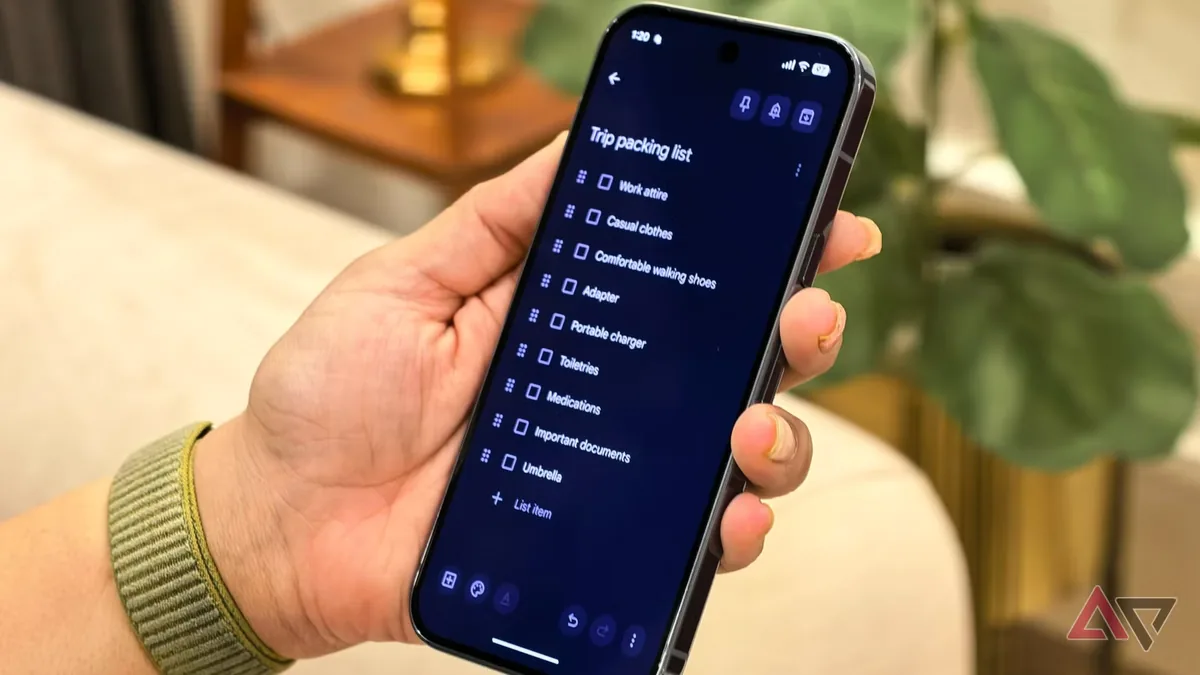
Not every useful AI feature arrives as a launch event headline. Sometimes it hides inside an app people already use. A Google Keep transcription workflow is a good example: it turns voice capture into immediate text, making the phone feel less like a recorder and more like a lightweight thought processor. That is the kind of everyday gadget behavior that can change habits quietly.
Voice notes are convenient, but they are hard to search, skim, or reuse later. Text notes are easier to organize, but typing is slower when walking, cooking, commuting, or thinking out loud. A good transcription flow bridges that gap. It also fits the broader shift toward AI features that disappear into ordinary Android use, similar to the way Google has been adding quieter AI protections to phone workflows.
Android Police describes a Google Keep trick that transcribes voice notes into text quickly enough to replace standard voice memos for some users. The important part is the workflow, not just the feature. If it is easy enough, people actually change behavior.
This is where phone AI becomes more practical than impressive. Users do not need to know whether the transcription uses a large model, a smaller speech system, or cloud processing. They care whether the note appears quickly, preserves meaning, and can be searched later.
Privacy still matters. Voice notes can contain personal thoughts, addresses, medical details, business ideas, or meeting fragments. Google needs clear handling, settings, and sync behavior so users understand where audio and text go.
The feature also shows why standalone AI apps may struggle against built-in utilities. A dedicated recorder can be better in some situations, but a note app that already syncs across devices has a convenience advantage. If Keep captures, transcribes, and organizes in one place, it becomes hard to replace.
The hidden trick is not a revolution, but it is the kind of small utility that makes AI feel real. Phones become more useful when they reduce steps, and voice-to-text note capture is exactly that kind of reduction.
The best version of this workflow would be context aware without being intrusive. A voice note about groceries should become a checklist. A meeting reminder should offer a calendar action. A quick idea should remain a simple note. That kind of intelligence is difficult because the app must infer intent without overreaching. If Google keeps the feature fast and predictable, it can feel helpful rather than pushy.
Accessibility is another strength. Voice-to-text note capture helps people who find typing difficult, who think better out loud, or who need hands-free input. It also helps multilingual users if transcription and translation improve together. Small note features rarely get the same attention as flagship AI demos, but they can reach far more people because they sit inside everyday habits.
Google also has a distribution advantage. Keep is already present on many Android phones, and users do not have to learn a new productivity system to benefit. That is why small built-in AI workflows can be more powerful than standalone apps. They meet users at the moment of need instead of asking them to remember another icon.