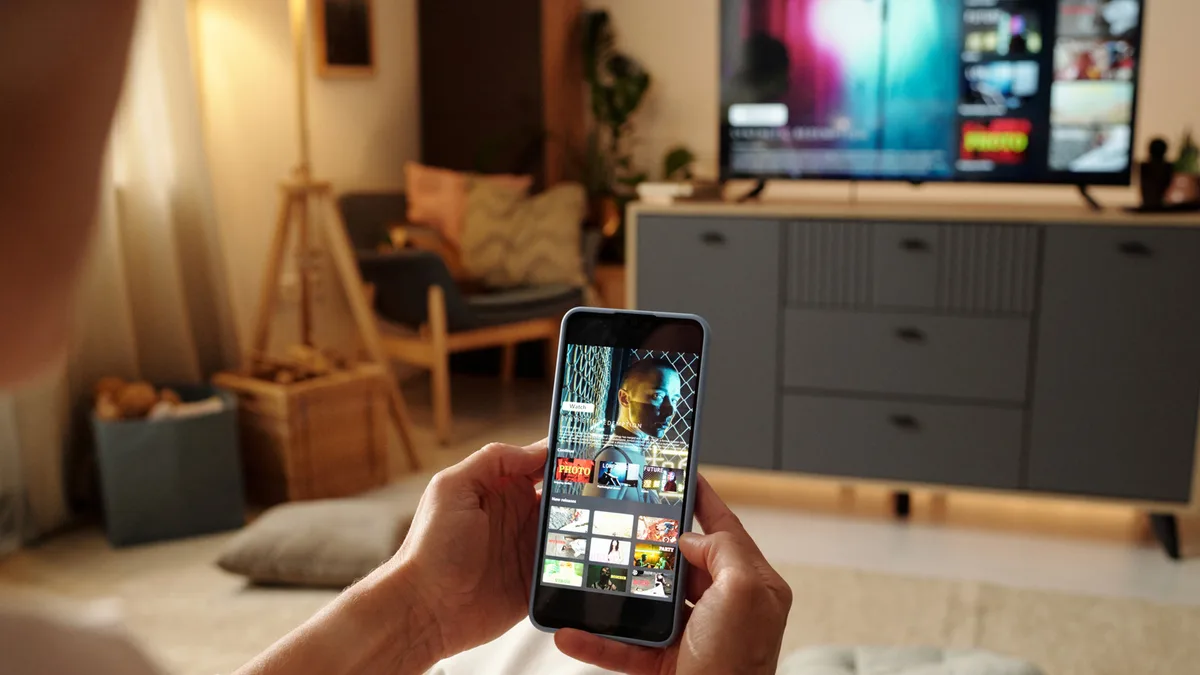
Phone casting is one of those features many people know exists but rarely use well. Samsung Galaxy Smart View is often treated as a simple way to mirror a phone on a TV, yet the more interesting value is in the smaller controls that make sharing content less clumsy. Those details matter because phones are now the main source of photos, videos, games, and work files for many households.
The basic idea is easy: move something from a small screen to a larger one. The problem is that screen mirroring can expose too much. Notifications appear, private chats flash by, and the phone becomes awkward to use while everyone is watching. Better casting tools solve that by letting users control what appears and how the phone behaves during the session.
Samsung has an advantage because it controls both the Galaxy phone experience and a large part of the TV ecosystem. Even when the TV is not a Samsung model, Galaxy features can still make casting more flexible than old-style mirroring. That is useful for families, classrooms, hotel rooms, and quick office setups.
BGR pointed to Smart View features that many Galaxy owners may have missed. It fits a broader Samsung software story we have followed through One UI testing across more Galaxy phones, where the real value comes from small features reaching normal users.
Casting needs privacy as much as convenience
The best casting experience is one that feels controlled. Users should be able to share a video without sharing the rest of their phone. They should be able to keep using the device, respond to a message privately, or open another app without breaking the TV session. That turns casting from a party trick into a real tool.
App-specific casting is especially valuable. A parent can play a kids video on the TV while still using the phone. A traveler can send a streaming app to a hotel display without handing over the entire device. A presenter can show one document without exposing the rest of their home screen.
There is also a gaming and fitness angle. More people use phones for casual games, workout videos, and guided routines. A clean casting path makes those experiences feel closer to a console or set-top box without buying extra hardware. The phone remains the controller and the TV becomes the shared display.
Samsung should keep making these tools easier to find. Many Galaxy features are hidden behind menus or names that do not clearly explain the benefit. Smart View would be stronger if it guided users toward safer sharing modes the first time they connect to a screen.
The lesson is simple: mature phone software is often about reducing friction in things people already do. Casting photos, videos, workouts, and presentations should not feel risky or confusing. If Samsung keeps improving Smart View in that direction, it can make the Galaxy ecosystem feel more useful without needing a new hardware launch.
The feature also has a quiet accessibility benefit. A larger screen can help people review photos, read text, follow instructions, or join video sessions more comfortably. When casting is private and predictable, it becomes useful for more than entertainment. It becomes a simple bridge between a personal phone and a room-sized display.