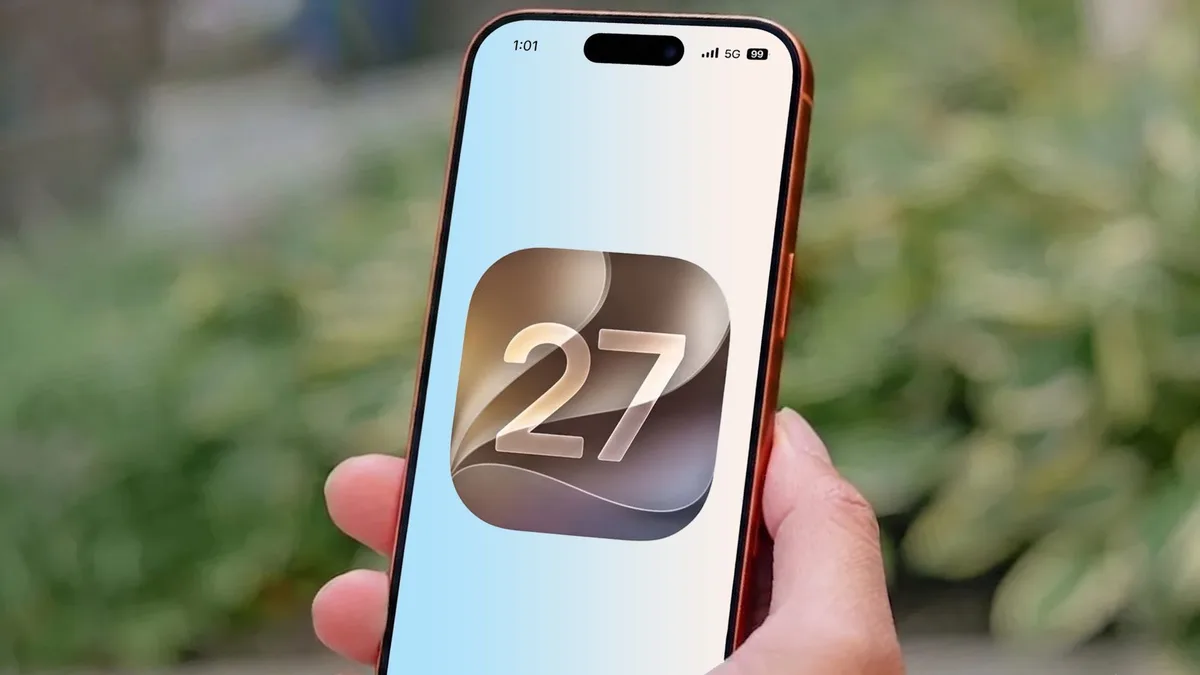
Apple's Shortcuts app has always had a strange reputation. Power users love it because it can connect apps, actions, files, reminders, smart home controls, and web tools in clever ways. Many normal iPhone users open it once, see a wall of options, and leave. iOS 27 may finally make that gap smaller.
The promise is not that everyone will become an automation enthusiast. The better promise is that more people will be able to describe what they want and get a useful shortcut without learning the app's internal logic first. That is where Apple Intelligence can matter if it acts like a patient builder rather than a flashy chatbot.
Automation becomes valuable only when it solves a repeated annoyance. Starting a commute playlist, logging water intake, sending a travel update, resizing images, saving receipts, or setting a focus mode should not require a tutorial. If iOS 27 can turn plain-language intent into working shortcuts, the feature may finally feel like part of the iPhone instead of a hidden workshop.
Tom’s Guide described how iOS 27 changed the writer's view of the Shortcuts app. That sits naturally beside our earlier look at iOS 27 Apple Pay card switching, another example of Apple improving small moments that happen every day.
Automation has to feel safe
The challenge for Apple is trust. If an AI-assisted shortcut deletes the wrong file, sends the wrong message, or changes settings unexpectedly, users will not care how clever the feature is. The app needs previews, explanations, and easy undo controls. Automation should make people feel capable, not nervous.
Apple is in a better position than many companies because it can connect automation to privacy and on-device processing. A shortcut that organizes photos, drafts a message, or adjusts settings should not need to expose everything to a remote service. If Apple can keep more of that work local, it will have a stronger story than generic AI assistants.
There is also a design lesson here. The old Shortcuts app often felt built for people who already understood it. A more conversational layer can help, but Apple still needs clean visual editing for users who want to tweak the result. The best version would let someone start with plain language and then refine the workflow without fear.
This could also help accessibility. People with mobility, vision, or attention challenges often benefit from reducing repeated steps. Easier shortcut creation could turn advanced iPhone automation into a practical accessibility tool rather than a hobby feature.
The Shortcuts change may not sell an iPhone by itself, but it can make the phone feel more personal. That matters. Smartphones have become powerful enough; the next improvement is making that power easier to shape around a person's own routine. If iOS 27 moves Shortcuts in that direction, it is a meaningful upgrade even without a dramatic new icon.
The most important sign of success will be whether people create a second shortcut after the first one. A clever demo can impress anyone once. A daily workflow earns trust only when the user edits it, relies on it, and starts imagining other small chores the phone could handle without turning the process into a project.