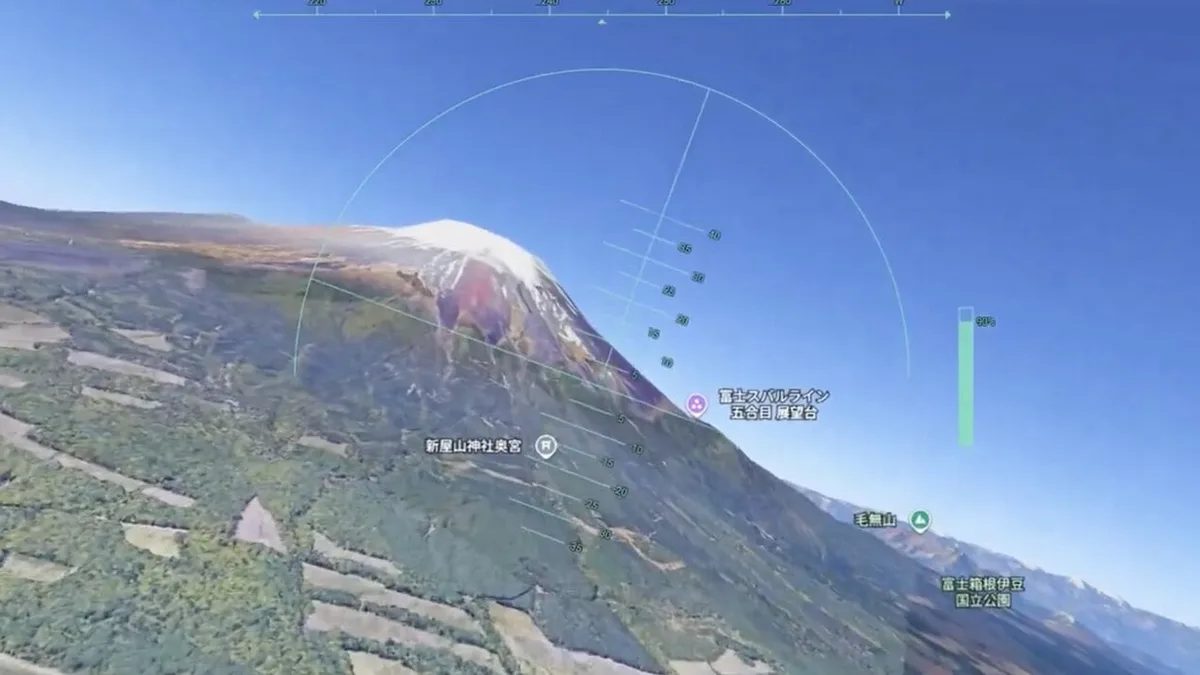
Google Earth adding a flight simulator to the web version is a reminder that a browser can still feel like a gadget when the experience is immediate enough. There is no box to buy, no app store friction, and no expensive flight stick required. A user can open a page and suddenly treat the planet as a casual 3D playground.
The appeal is not realism. Dedicated flight simulators already serve people who want procedures, aircraft systems, weather modeling, and hardware controls. Google Earth's advantage is accessibility. It lets people fly through recognizable places, learn geography, and enjoy 3D terrain without turning the experience into a serious hobby. That makes it a different kind of consumer tech feature.
unwire reported that Google launched a free web-based flight simulator inside Google Earth for global users, with no account required. The report frames it as a simple way to explore the 3D Earth from a browser rather than a full simulation platform.
That simplicity matters. Google has spent years making Maps and Earth more immersive, but many of the best features are passive. Users look, zoom, rotate, and search. A flight simulator adds agency. It turns the map from something people inspect into something they move through, and that changes how memorable the geography can feel.
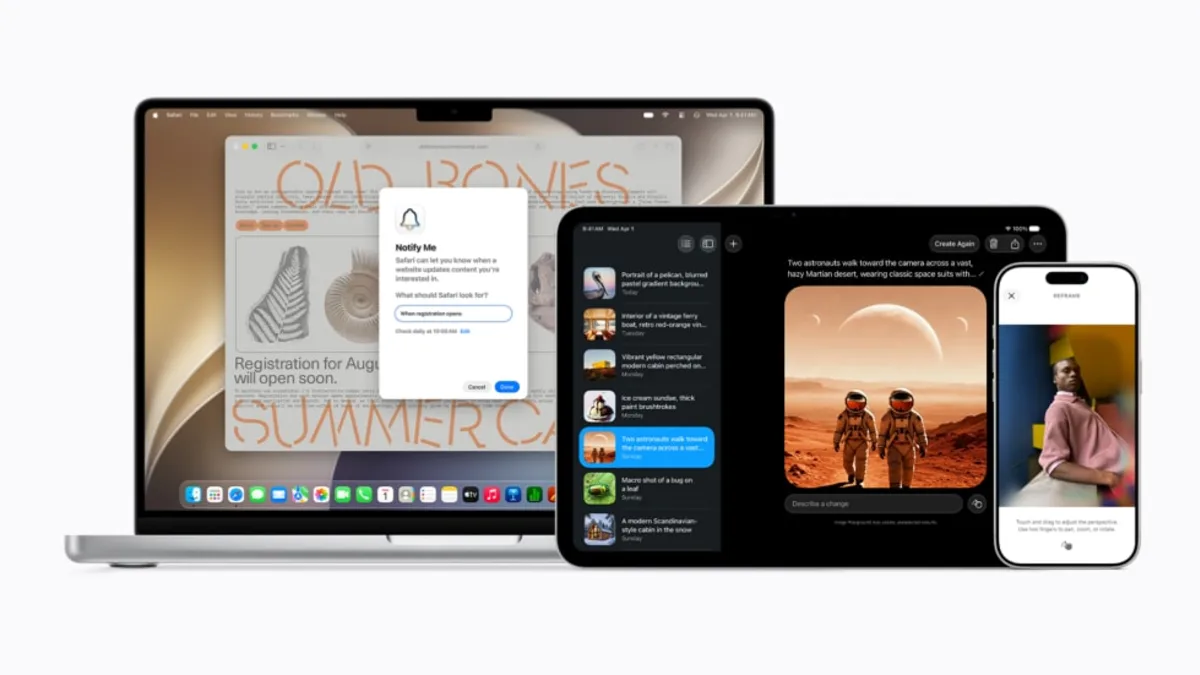
The feature also fits the wider trend of browser-based tools becoming powerful enough to replace lightweight desktop apps. We have covered similar software-shift themes in mobile and platform stories, including how iOS 27 AI photo tools are moving advanced editing into everyday devices. The shared direction is clear: fewer downloads, more capability where users already are.
Education could be one of the quiet wins. A teacher can use the feature to show mountain ranges, coastlines, cities, rivers, and landmarks in a way that feels more active than a flat map. Students can understand distance and terrain better when they move through the space. The tool is casual, but that does not make it trivial.
Performance will decide how broadly people use it. A browser flight mode needs to run well on mainstream laptops and tablets, not only powerful desktops. Controls must be forgiving, loading must be smooth, and visual quality must remain good enough that users do not immediately bounce. Google Earth has the data advantage; the challenge is making the experience feel playful rather than heavy.
The web flight simulator is not a new hardware leak, but it is a strong gadget-adjacent software move. It turns screens people already own into an exploration device. That is often where consumer tech is most effective: not adding another product, but making an existing one feel newly capable.
It could also become a quiet showcase for Google 3D map data. Users may open the simulator for fun, then notice building models, terrain quality, city detail, and loading speed. That kind of playful feature can make infrastructure visible without a technical explanation. Google Earth has always been partly educational and partly magical. A web flight mode brings back some of that early sense of discovery.