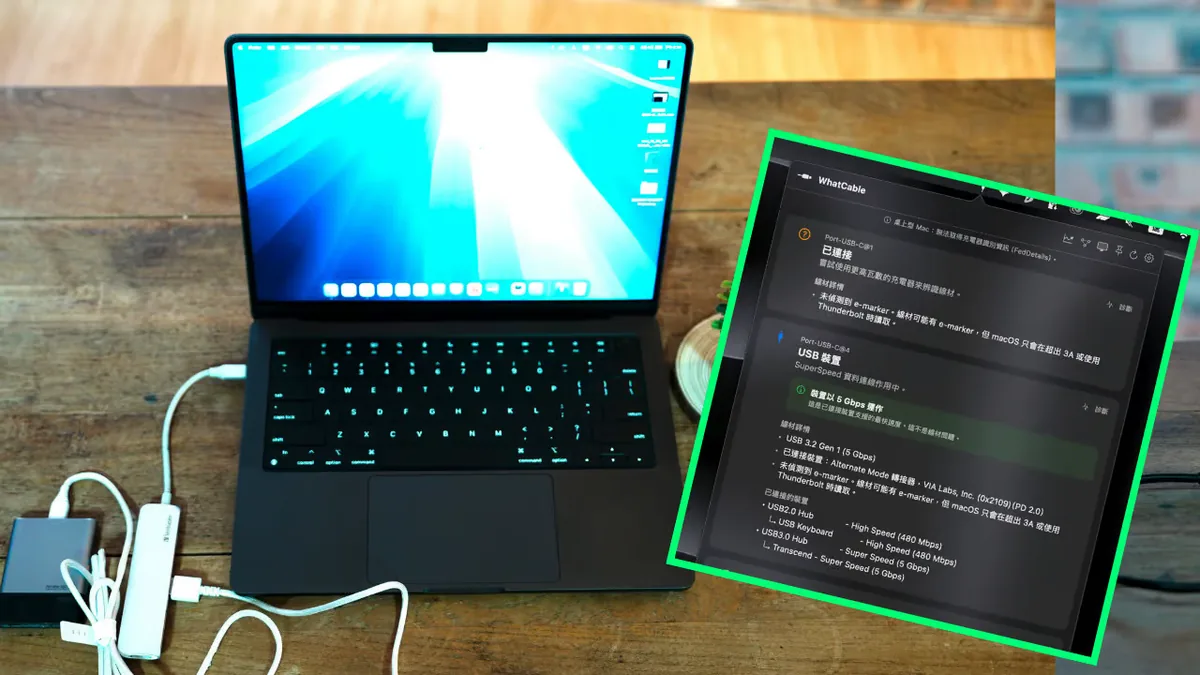
USB-C was supposed to make cables simpler, but it often made them harder to trust. Two cables can look nearly identical while supporting very different charging wattage, data speed, display output, or protocol behavior. A Chinese tutorial highlighting a Mac tool for checking USB-C transfer and charging speed is useful because it turns cable confusion into something users can verify quickly.
The problem is not only technical. It is practical. A weak cable can make a laptop charge slowly, prevent a monitor from working, throttle external storage, or make a phone backup take far longer than expected. Users often blame the device or charger first because the cable gives no obvious clue. A diagnostic tool changes the conversation by showing what the connection is actually doing.
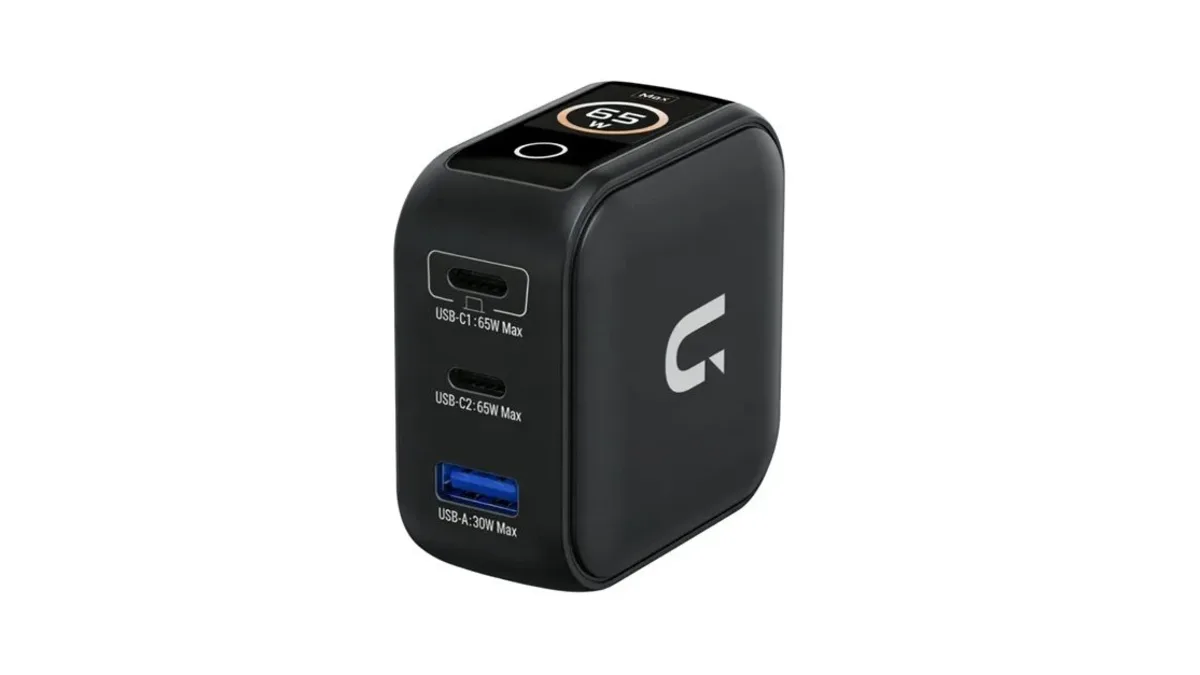
This sits naturally beside our USB-C charger coverage, where smarter charging accessories are becoming more visible. Chargers have screens, apps, power graphs, and multiple ports, but the cable remains the fragile middle piece. A good charger cannot deliver its promise through a cable that lacks the right wiring or certification.
Unwire published the Mac-focused tutorial in Chinese, explaining how users can check USB transfer and charging behavior instead of guessing. Tutorials like this are valuable because USB-C is now everywhere: MacBooks, iPads, Android phones, headphones, cameras, handheld consoles, SSDs, and monitors. A small diagnostic habit can prevent a lot of wasted troubleshooting.
For buyers, the lesson is to label good cables and retire mystery ones from important tasks. A cable that is fine for earbuds may be terrible for a laptop dock. A cable that charges quickly may not support fast data. Keeping separate known-good cables for charging, external displays, and storage can save time, especially for people who travel or work across multiple desks.
Manufacturers should also do better. Cable markings remain inconsistent, packaging is often vague, and many users learn the difference only after something fails. USB-C succeeded as a physical connector, but the ecosystem still needs clearer communication. Until that improves, simple testing tools are the user's best defense.
The tutorial may seem small compared with phone leaks or AI hardware, but it solves a problem that affects real devices every day. A cable is the cheapest part of many setups and often the most confusing. Being able to test it quickly makes the entire gadget ecosystem feel a little less mysterious.
The same habit can help teams and families. A shared drawer full of unlabeled USB-C cables can quietly sabotage everyone: the laptop charges slowly, the external drive crawls, the tablet refuses display output, and nobody knows why. Testing and marking the good cables turns a messy accessory pile into known tools. It is a small maintenance task, but it can save hours across a household or office that depends on modern gadgets. It also makes future purchases smarter because users learn which specifications they actually need instead of buying blind. For creators moving large files, that knowledge has real daily value and prevents silent workflow bottlenecks. Bad cables waste paid time.