Apple's AI strategy has always been judged differently from the rest of the market. The company does not need to win every benchmark headline to make AI matter. It needs to make AI useful inside the flows people already repeat dozens of times a day. That means messages, photos, notifications, app actions, search, writing, and the invisible handoff between devices.
The latest Apple Intelligence discussion from WWDC is interesting because it points toward AI as a background layer rather than a separate destination. Users may not care which model completed a task. They care whether the phone understands context, saves time, respects privacy, and does not make them open a new app for every small request.
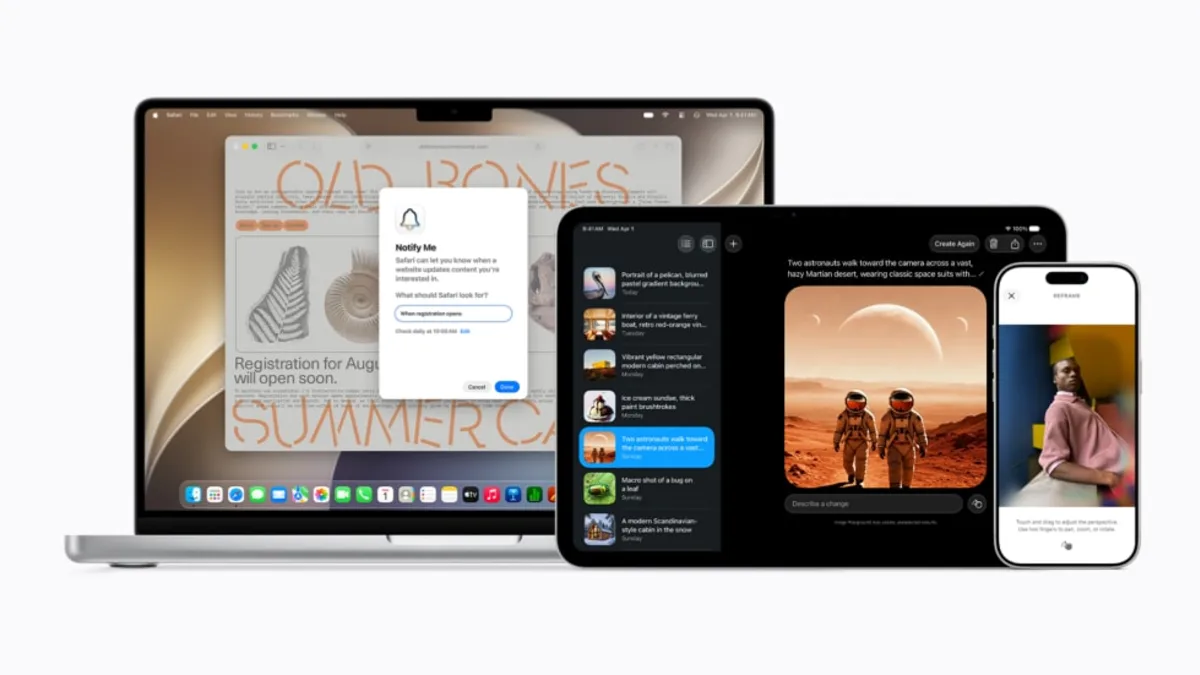
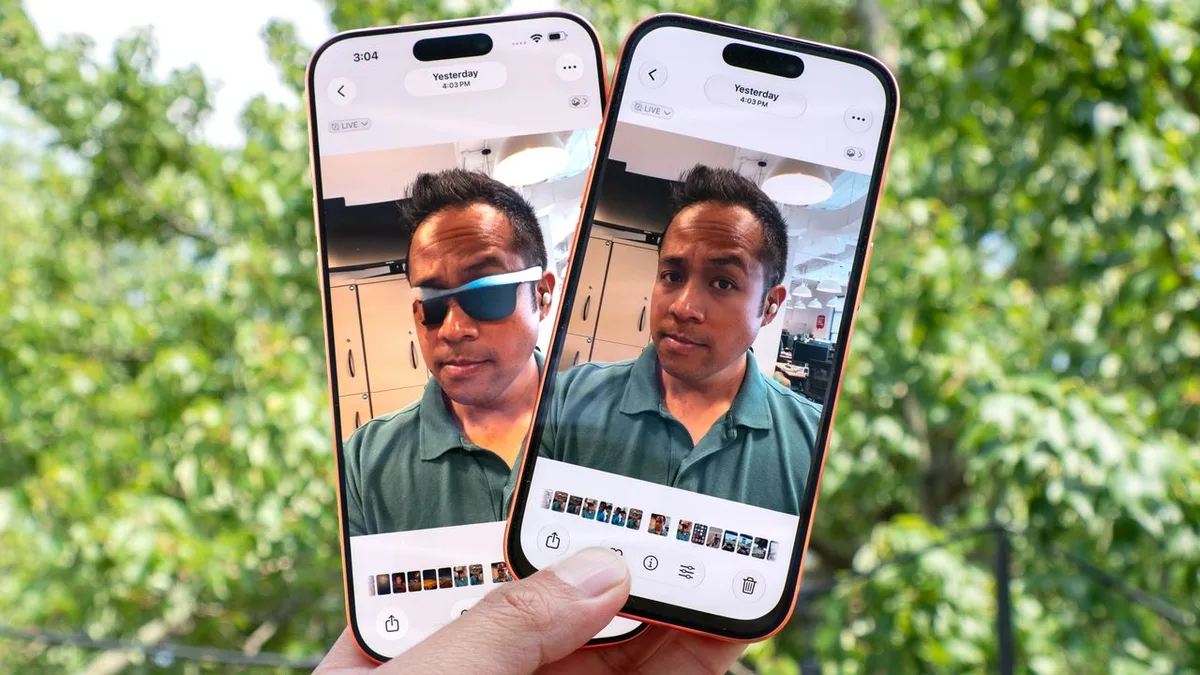
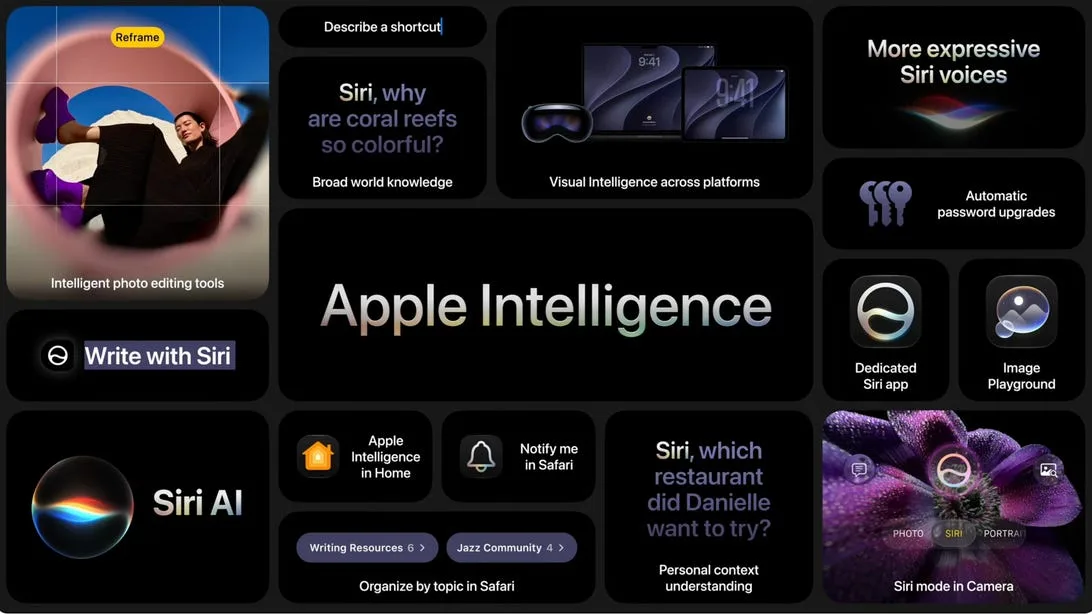
CNET highlighted the Apple Intelligence updates from WWDC that matter most for users. The practical theme is clear: Apple is trying to move AI into ordinary iPhone and software workflows, where small improvements can become habits.
One example of that everyday focus appears in the iOS 27 Apple Pay card switching change. It is not a dramatic AI feature, but it shows Apple's broader software philosophy: reduce friction in routine moments. The most successful AI features may feel similar, quietly removing steps rather than demanding attention.
The risk is expectation management. Consumers have heard years of AI promises, and many now expect assistant-level intelligence that works reliably across apps. Apple has to balance ambition with trust. If features feel slow, inconsistent, or too limited, users will dismiss them. If they feel intrusive, users will resist them. The privacy promise is an advantage only if the experience is still useful.
Developers will also watch closely. Apple's AI layer becomes more valuable when apps can connect to it safely and predictably. But developers need clear APIs, reliable behavior, and enough user control to avoid confusion. AI that acts across apps can be powerful, but it can also become messy if permissions and intent are not obvious.
The bigger picture is that smartphone AI is moving from novelty to utility. Apple is betting that the winning experience is not a chatbot pasted onto the phone. It is a set of intelligent shortcuts woven into the operating system. If the company gets that right, AI may become less visible and more important at the same time.
The company also has to solve discoverability. If AI features are too hidden, users may never build habits around them. If they are too aggressive, they may feel like clutter. The best outcome is a set of features that appear at the right moment with enough explanation to be trusted. Apple has spent years teaching users familiar gestures and defaults. Its AI challenge is similar: make powerful behavior feel obvious without making the device feel unpredictable. That is a harder design problem than adding another model endpoint.
That is why Apple's slower public style can still work. If features arrive only when they fit the operating system, users may adopt them without feeling forced into an AI experiment. The company has to keep improving capability, but it does not need every feature to look futuristic. It needs the phone to feel more helpful in familiar moments.