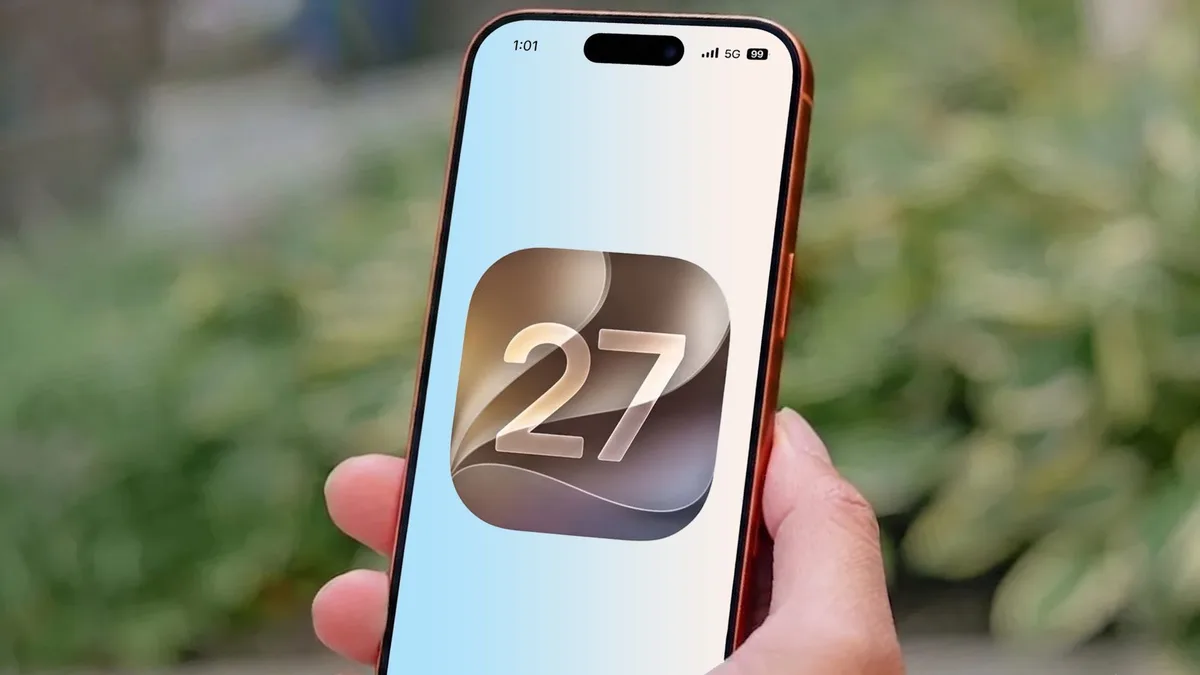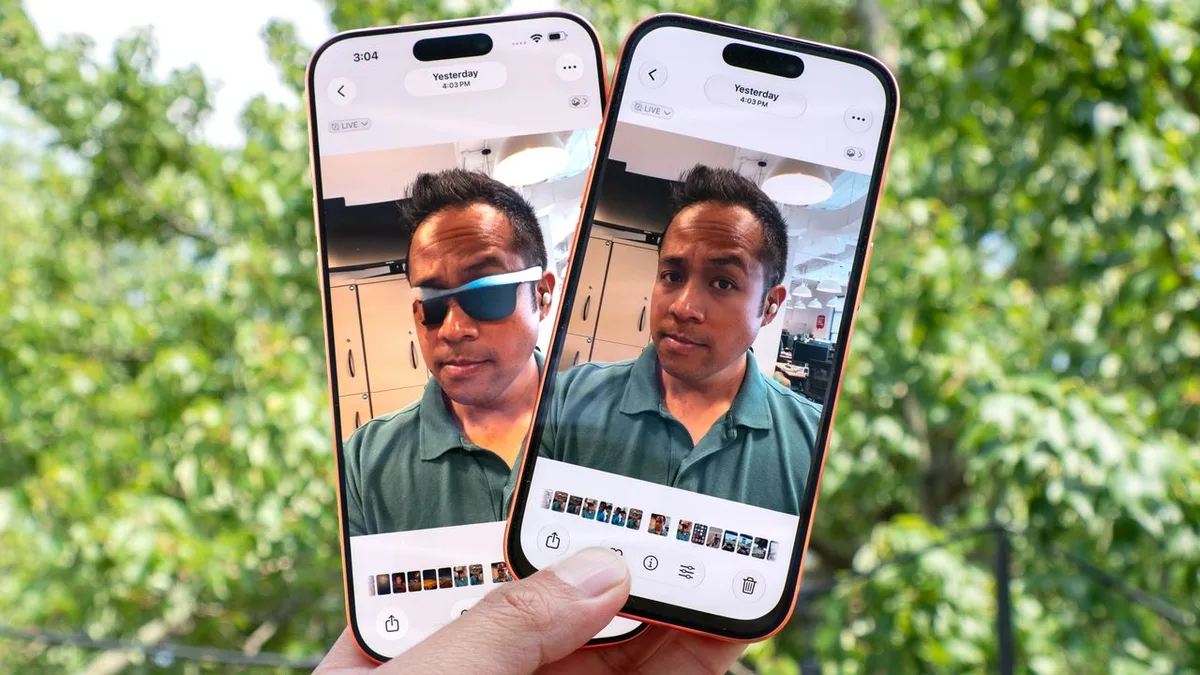
Apple's iOS 27 developer beta is turning photo editing into a more serious Apple Intelligence test. The important part is not only whether the tools can transform an image. It is whether Apple can make AI editing feel useful without making every photo feel suspicious. That balance is becoming one of the hardest problems in consumer software.
AI photo tools are now common across phones, but Apple's version carries a different expectation. iPhone users expect simple controls, strong defaults, and clear boundaries. If a tool is too timid, it feels behind Google and Samsung. If it is too powerful without context, it raises questions about what a photo means. Apple has to make the feature approachable while also making its limits visible.
TechRadar tested the Apple Intelligence photo-generation tools in the iOS 27 developer beta and described the experience as an early reminder of both the power and limits of photorealistic AI generation. That framing is useful because the feature is not only a fun editor. It is also a trust problem in the making.
The user experience will decide whether people keep using it. If the tools require too much prompt writing, many iPhone owners will ignore them. If they appear naturally inside Photos, Messages, Notes, and sharing workflows, they can become part of daily editing. Apple usually wins when a complicated capability is hidden behind a simple gesture, but AI editing may need more explanation than normal.
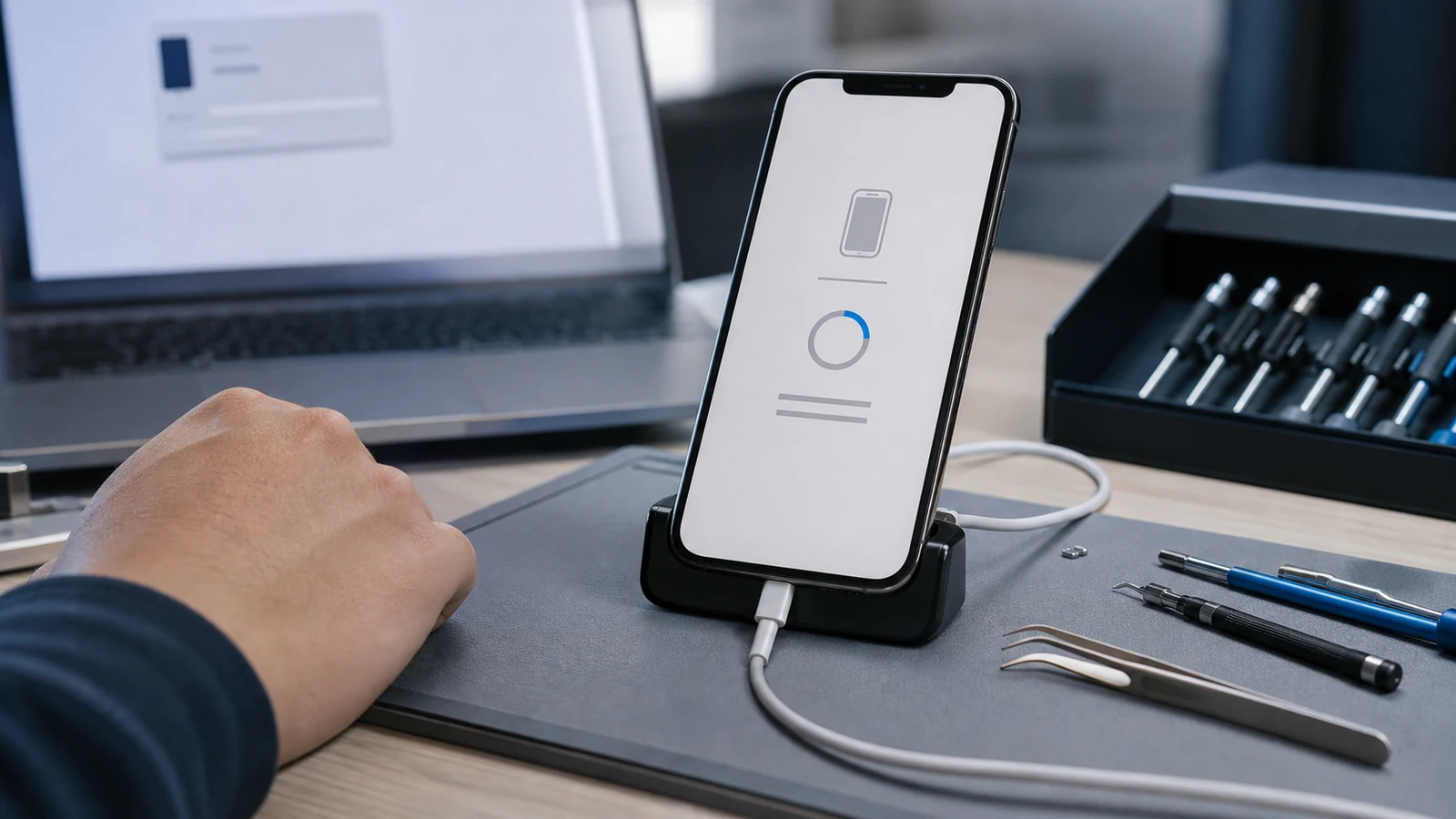
That connects with our earlier look at how iOS 27 Recovery Assistant could make iPhone repair less PC dependent. Both stories show Apple trying to make the iPhone more self-contained. One feature helps when the system breaks. The other helps users create and edit without leaving the device. The common theme is less reliance on outside tools.
The risk is overreach. People want better cleanup, smarter object removal, and easier stylized edits. They may be less comfortable with tools that fabricate scenes too convincingly. Apple can use metadata, visible labeling, and conservative defaults to keep the feature from feeling reckless. The company also has to avoid turning Photos into a gimmick shelf where every image becomes a demo.
Performance will matter too. AI photo tools that take too long, heat the phone, or require a network round trip will feel less magical. Apple has invested heavily in on-device processing, but users will judge the result in seconds. A good photo feature should feel fast enough to use while standing in line, not like a creative project that must wait until later.
The iOS 27 beta is early, so the final feature set can change. Still, this is one of the clearest places where Apple Intelligence touches normal users. If Apple gets the tone right, AI photo editing can become a practical iPhone advantage. If it gets the trust layer wrong, the feature may be remembered more for anxiety than creativity.
The other detail to watch is how Apple positions these tools in public. If the company sells them as creative helpers, expectations may stay reasonable. If it implies that every photo problem can be solved with one tap, users will test the edges and find failures quickly. The best version of the feature will invite experimentation while still making original capture quality feel important.